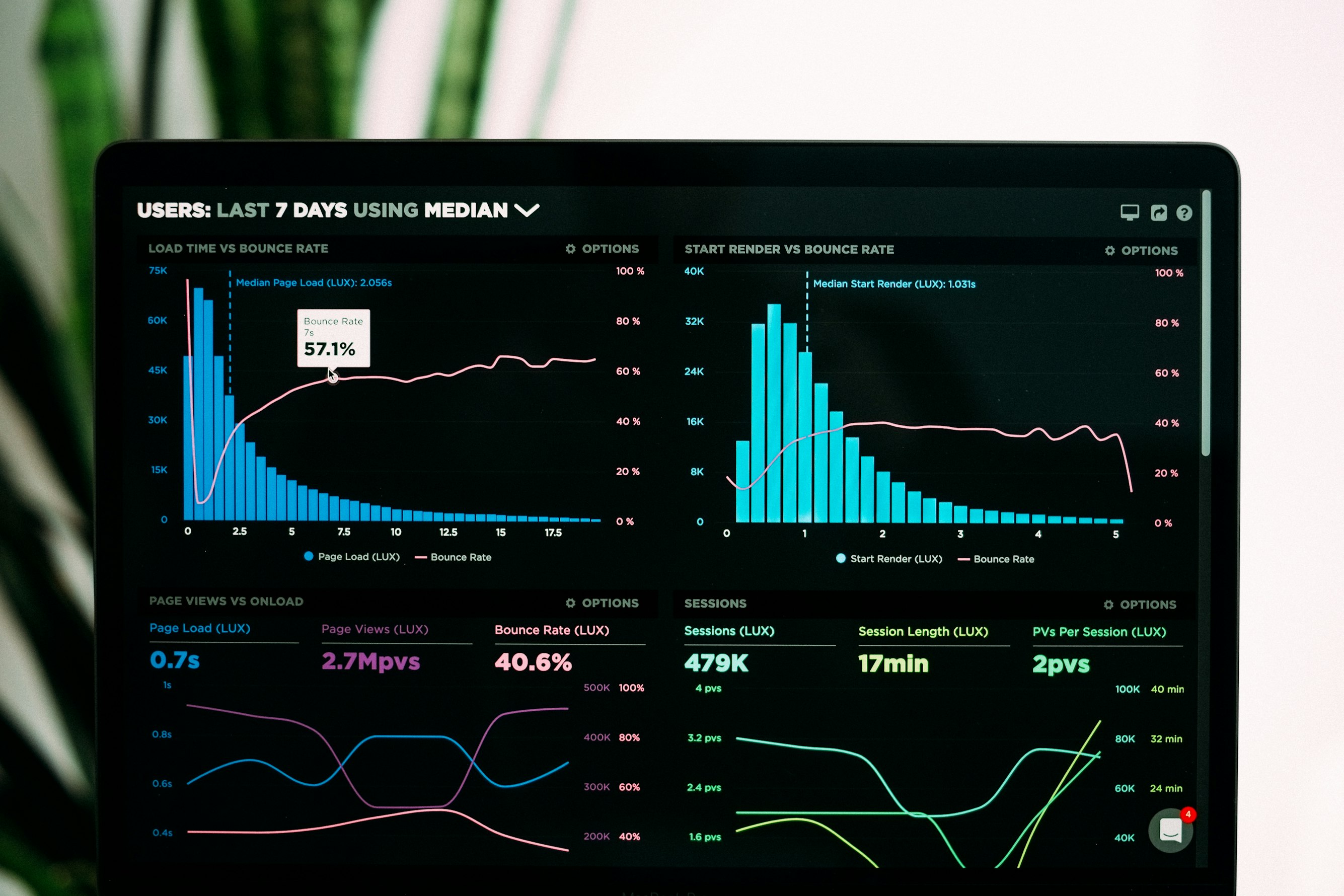
If you've been paying attention to web performance or SEO discussions over the past few years, you've likely heard the term "Core Web Vitals." But what exactly are they, why did Google introduce them, and how do they impact your website's success? In this comprehensive guide, we'll break down everything you need to know.
What Are Core Web Vitals?
Core Web Vitals are a set of specific metrics that Google considers essential for delivering a great user experience on the web. They measure real-world performance from the perspective of actual users, not just lab simulations.
Unlike traditional performance metrics that focus on technical details invisible to users (like time to first byte or DOM load events), Core Web Vitals measure what users actually experience: how fast content appears, how quickly the page responds to input, and how stable the layout is during loading.
As of 2024, the three Core Web Vitals are:
- LCP (Largest Contentful Paint) — Loading performance
- INP (Interaction to Next Paint) — Interactivity
- CLS (Cumulative Layout Shift) — Visual stability
Why Did Google Introduce Core Web Vitals?
For years, the web performance community had dozens of metrics to choose from: First Paint, First Contentful Paint, Time to Interactive, Speed Index, and many more. While useful for debugging, this created confusion about what actually mattered for users.
Google introduced Core Web Vitals in 2020 to provide a unified, simplified set of metrics that everyone could focus on. Their goal was to create a common language between developers, business stakeholders, and search algorithms.
More importantly, Google made Core Web Vitals a ranking signal. Starting with the Page Experience update in 2021, your site's Core Web Vitals scores can directly influence your position in search results. This made performance optimization a business priority, not just a technical nice-to-have.
Understanding the Three Core Web Vitals
LCP — Largest Contentful Paint
LCP measures how long it takes for the main content of a page to become visible. Specifically, it tracks when the largest image or text block in the viewport finishes rendering.
What counts as the LCP element? It's typically a hero image, a large heading, or a featured video poster. The browser automatically determines which element is "largest" based on its visible size.
Thresholds:
- Good: 2.5 seconds or less
- Needs improvement: Between 2.5 and 4.0 seconds
- Poor: More than 4.0 seconds
LCP is crucial because it measures perceived load speed. Even if your page technically "loads" quickly, users won't feel that way if the main content takes forever to appear.
INP — Interaction to Next Paint
INP (which replaced FID in March 2024) measures how quickly your page responds to user interactions throughout its entire lifecycle. When a user clicks a button, taps a link, or presses a key, INP tracks the delay before the browser shows a visual response.
Why INP replaced FID: The old FID metric only measured the first interaction. INP is more comprehensive—it considers all interactions and reports a value representative of your page's overall responsiveness.
Thresholds:
- Good: 200 milliseconds or less
- Needs improvement: Between 200 and 500 milliseconds
- Poor: More than 500 milliseconds
Poor INP usually means JavaScript is blocking the main thread. This is increasingly important as web applications become more interactive.
CLS — Cumulative Layout Shift
CLS measures visual stability. Have you ever tried to click a button, only to have it move at the last moment because an ad loaded above it? That's layout shift, and CLS quantifies how much of it happens on your page.
How it's calculated: CLS is a score (not a time measurement) based on how much content moves and how far it moves. A score of 0 means nothing shifted; higher scores indicate more instability.
Thresholds:
- Good: 0.1 or less
- Needs improvement: Between 0.1 and 0.25
- Poor: More than 0.25
Layout shifts are particularly frustrating on mobile devices where users are more likely to accidentally tap the wrong element.
Impact on SEO and User Experience
Core Web Vitals influence your website in two major ways:
1. Search Rankings
Google has confirmed that Core Web Vitals are a ranking factor. While content quality remains the most important signal, two pages with similar content quality will see the faster, more stable page rank higher.
This is especially important in competitive niches. If your competitors have optimized their Core Web Vitals and you haven't, you may be leaving ranking opportunities on the table.
2. User Behavior and Conversions
Beyond SEO, Core Web Vitals directly correlate with business metrics:
- Slow pages have higher bounce rates. Studies show that a 1-second delay in load time can increase bounce rates by 32%.
- Poor responsiveness frustrates users. If buttons don't respond immediately, users lose trust.
- Layout shifts cause misclicks. This leads to frustration and abandoned sessions.
Amazon famously found that every 100ms of latency cost them 1% in sales. For most businesses, the numbers are similar: faster, more stable pages convert better.
Why Continuous Monitoring Matters
Measuring Core Web Vitals once isn't enough. Your scores can change over time due to:
- New content (larger images, more scripts)
- Third-party updates (ad networks, analytics, chat widgets)
- Traffic pattern changes (different devices, network conditions)
- Server performance fluctuations
That's why continuous monitoring is essential. Tools like Google Search Console, PageSpeed Insights, and automated monitoring platforms like isMyWebOk can alert you when your Core Web Vitals degrade. You can also run a quick check right now with our Free Website Speed Test.
Getting Started
To start improving your Core Web Vitals:
- Measure your current state. Use PageSpeed Insights or a monitoring tool to understand where you stand.
- Focus on one metric at a time. Usually LCP is the biggest opportunity for improvement.
- Prioritize quick wins. Image optimization, lazy loading, and removing unused JavaScript often provide significant improvements with minimal effort.
- Monitor continuously. Set up automated monitoring so you catch regressions early.
Core Web Vitals aren't just technical metrics—they're a direct measure of user experience. By understanding and optimizing them, you're building a faster, more reliable web presence that serves both your users and your business goals.
Take care of your site's performance